Sidebar Widgets Setup
v1.0.0
Setup Trending Stories Widget
This guide will walk you through setting up the Trending Stories widget in the sidebar of your theme. This widget displays a ranked list of stories based on their view counts.
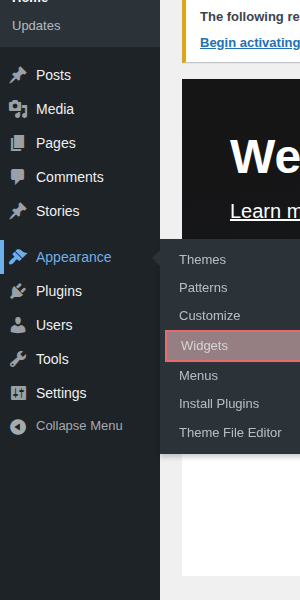
Step 1: Navigate to Widgets Area
From your WordPress admin dashboard, navigate to Appearance > Widgets.
Step 2: Add Trending Stories to the Sidebar
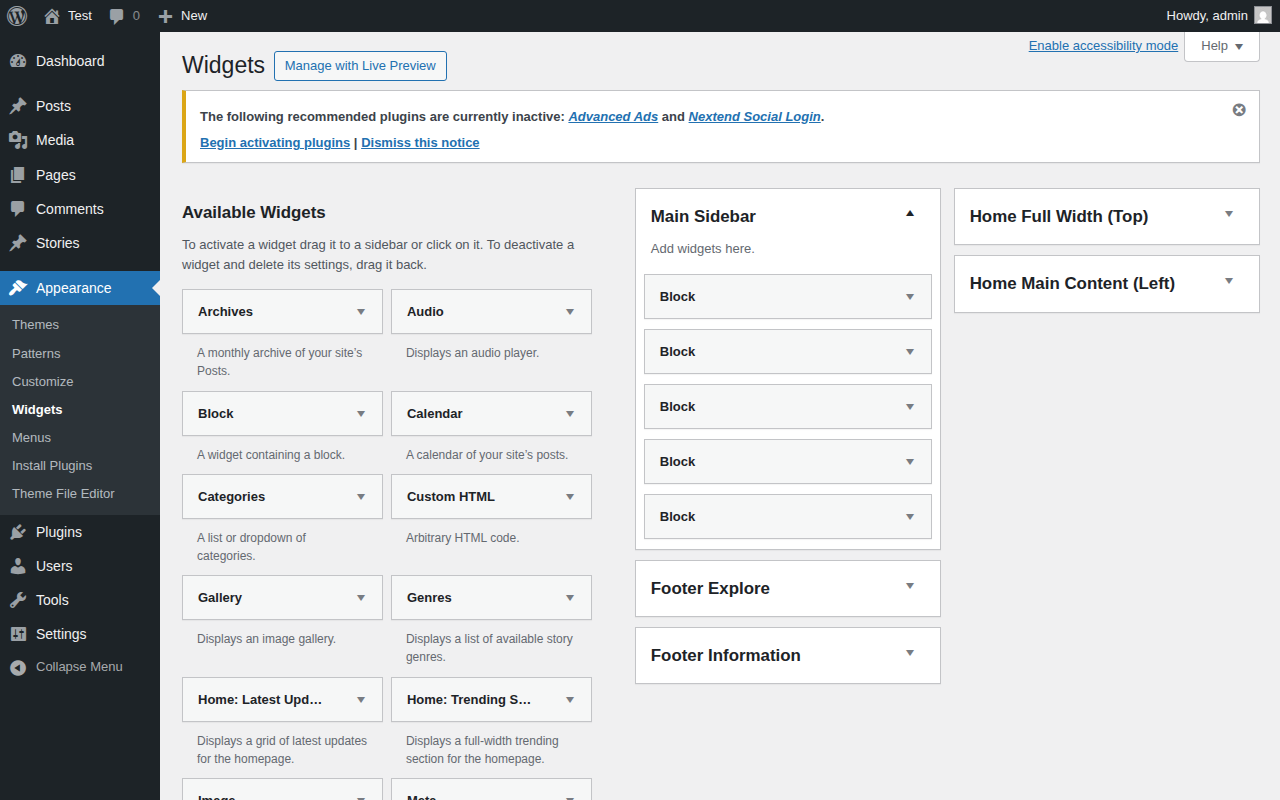
- Locate the Main Sidebar.
- Find the Trending Stories widget from the Available Widgets list.
- Drag and drop the widget into the Main Sidebar area.
- Configure the widget settings (like Title) and click Save.
Step 3: View on Frontend
Once saved, the Trending Stories widget will be displayed on the frontend in the sidebar area (typically visible on story detail pages or category pages).