Create Story and Chapters
v1.0.0
Create Story and Chapters
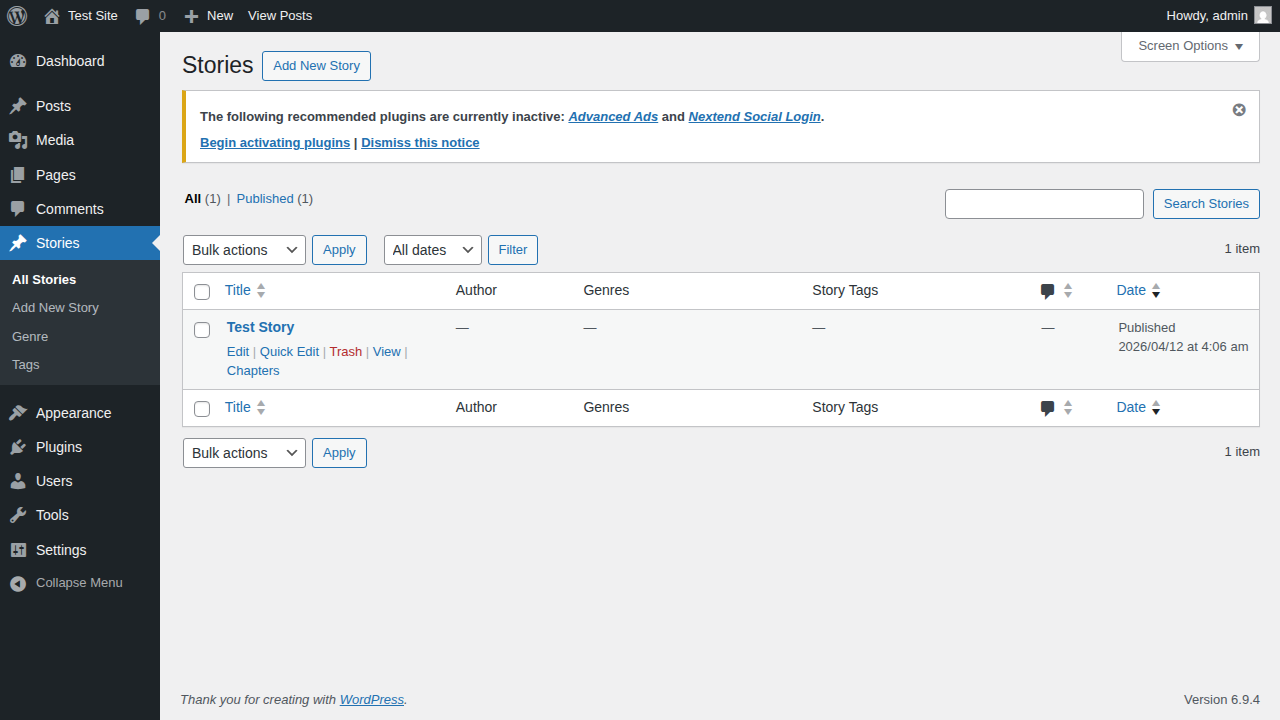
This guide will show you how to create a new Story and add Chapters to it in the iStory theme.
Step 1: Create a Story
- In your WordPress dashboard, go to Stories > Add New Story.
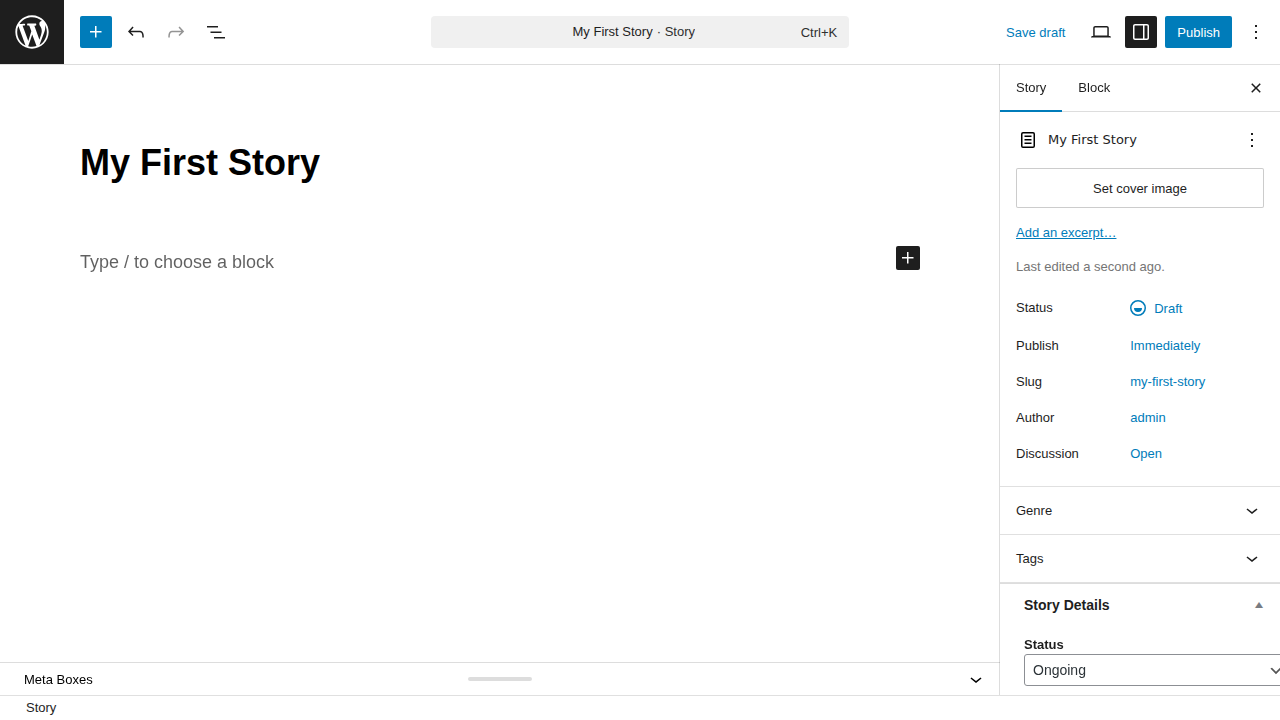
- Enter a title for your story.
- Configure the story details like Author, Tags, and Status in the right sidebar.
- Click Publish to make your story live.
Step 2: Create a Chapter
Once your story is created, you can start adding chapters to it.
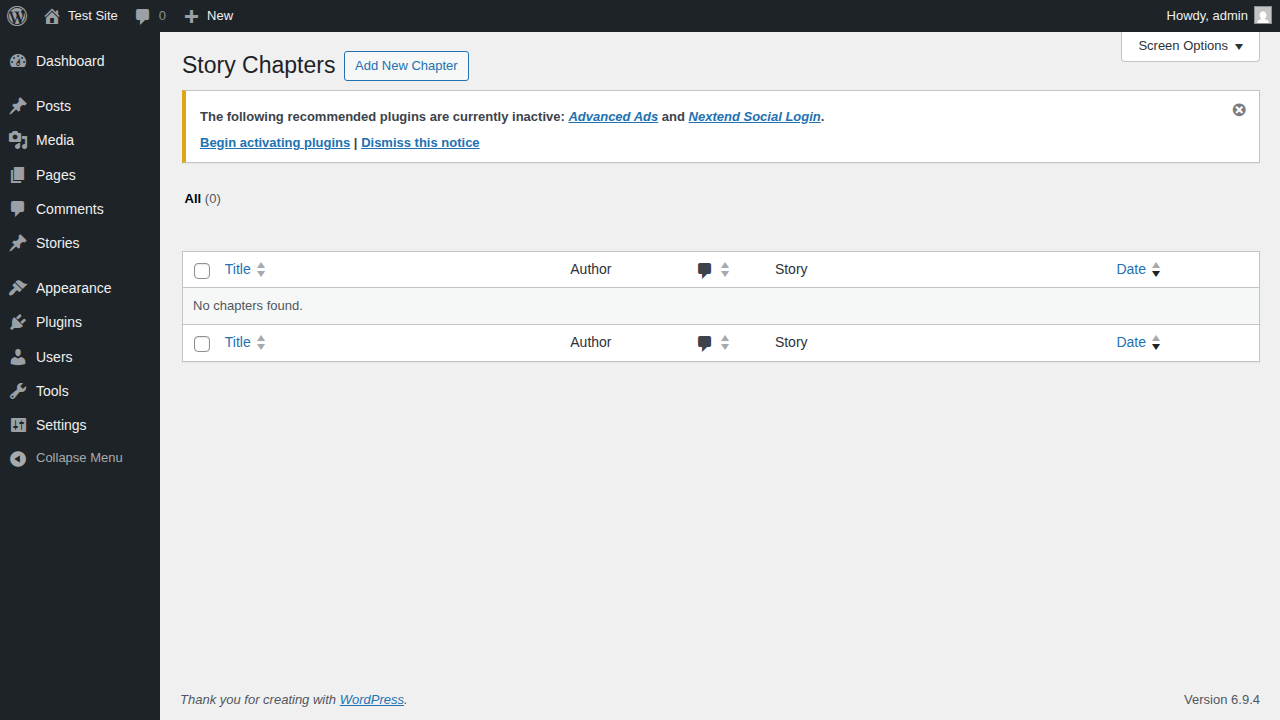
- Go to Story Chapters > Add New Chapter.
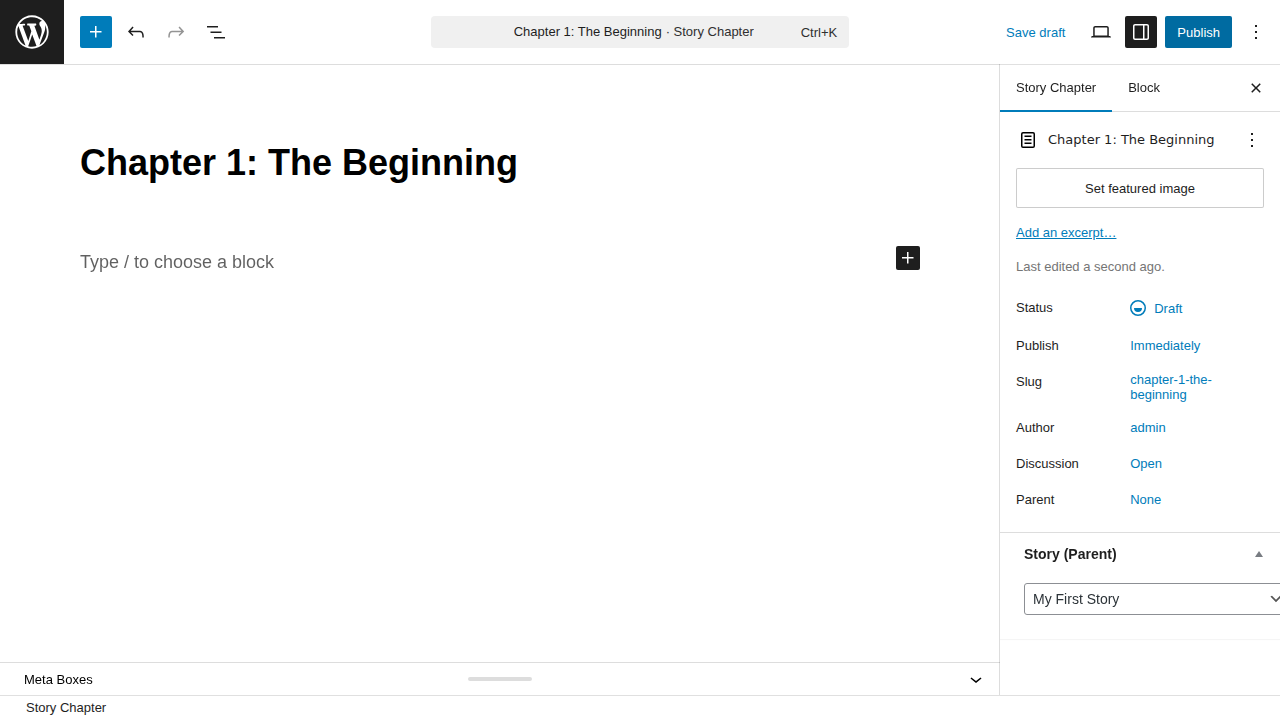
- Enter the title of your chapter.
- In the right sidebar, locate the Story (Parent) meta box and select the story you created in Step 1.
- Add your chapter content.
- Click Publish.
You have successfully created a story and its first chapter! You can repeat Step 2 to add more chapters to your story.