Understanding the Shift to Headless WordPress
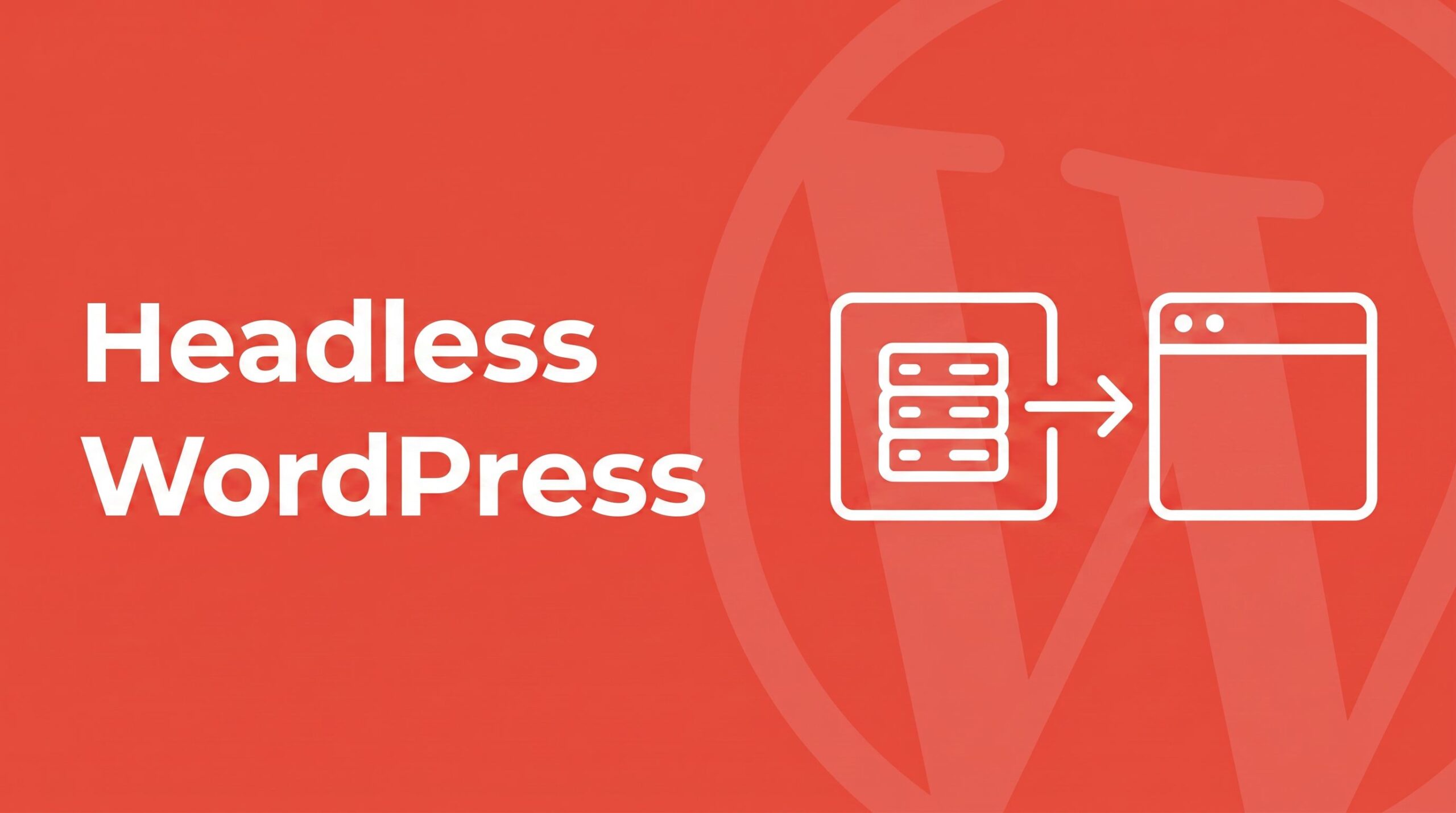
In the evolving landscape of web development, the term “Headless WordPress” has transitioned from a niche architectural experiment to a mainstream production standard. At its core, headless WordPress is the practice of decoupling the backend content management system (CMS) from the frontend presentation layer. In a traditional WordPress setup, the “head” (the theme and frontend rendering) and the “body” (the database and admin dashboard) are inextricably linked via PHP. In a headless architecture, WordPress serves exclusively as a content backend, delivering data via an API to a separate, modern frontend stack.
By 2026, this approach has gained significant traction due to the maturity of the WordPress REST API, the robustness of WPGraphQL, and the seamless deployment pipelines offered by JAMstack providers like Vercel, Netlify, and Cloudflare Pages. This allows developers to utilize the familiar editorial workflow of WordPress while leveraging the speed and flexibility of frameworks like Next.js, Astro, or SvelteKit.
Strategic Decision Making: When to Go Headless
Decoupling your frontend is a significant architectural commitment that introduces new complexities. It is not a universal upgrade, but rather a strategic choice based on specific project requirements.
The Ideal Use Cases for Headless
- Total Frontend Sovereignty: When a project requires a high-fidelity design system, complex animations, or interactive elements that exceed the capabilities of the WordPress Block Editor.
- Omnichannel Content Delivery: When the same content source must feed multiple platforms, such as a web app, a native mobile application, and digital signage.
- Extreme Performance Needs: For sites where Core Web Vitals are mission-critical. Edge-rendered or static frontends can achieve load times that traditional PHP-based sites struggle to match without excessive caching layers.
- Modern Developer Tooling: For teams already proficient in React, Vue, or Svelte who prefer modern JavaScript ecosystems over PHP and
theme.json.
The Warning Signs: When to Avoid Headless
- Heavy Reliance on Frontend Plugins: If your site depends on plugins for visual functionality (e.g., sliders, contact form styles, or lightboxes), headless is a trap. These plugins assume a traditional rendering process and will not work out of the box.
- Dependence on the Site Editor: Full Site Editing (FSE) and block themes are traditional WordPress features. Once you go headless, you lose the ability to visually design your site within the WordPress admin.
- Limited Operational Resources: Headless doubles your infrastructure surface area. You must manage two hosting environments, two deployment pipelines, and two sets of error monitoring.
The API Battle: REST API vs. WPGraphQL
The most critical technical decision in a headless build is choosing how the frontend communicates with the backend.
The WordPress REST API (Built-in)
Integrated into the core since version 4.7, the REST API is the default choice. It is reliable, well-documented, and requires zero configuration. However, it is prone to “over-fetching” (receiving more data than needed) and “under-fetching” (requiring multiple requests to gather related content), which can impact performance on complex pages.
WPGraphQL (The Plugin Approach)
WPGraphQL introduces a single endpoint that allows the frontend to request exactly what it needs in a single query. This is particularly powerful for nested data, such as fetching a post, its author, and its related categories in one trip. While it has a steeper learning curve and adds a third-party dependency, it is generally the superior choice for complex data models.
The Modern Frontend Stack for 2026
The choice of framework defines the user experience and developer velocity:
- Next.js: The industry leader for headless WP, especially when paired with Faust.js, which simplifies authentication and preview modes.
- Astro: The premier choice for content-heavy sites (blogs, documentation) due to its “zero-JS by default” approach and exceptional SEO performance.
- Nuxt & SvelteKit: The go-to options for teams integrated into the Vue or Svelte ecosystems.
Implementation Challenges and Solutions
Teams transitioning to headless often encounter three primary hurdles:
1. The Preview Dilemma
Traditional WordPress previews don’t work in headless mode. The solution is implementing a “Preview Route” in the frontend framework that intercepts draft tokens from WordPress to render unpublished content in real-time.
2. Cache Invalidation
Static sites don’t automatically update when an editor clicks “Publish.” The standard fix is using webhooks—triggered via save_post in functions.php—to notify the hosting provider (Vercel/Netlify) to rebuild the site or revalidate specific pages via ISR (Incremental Static Regeneration).
3. Authentication
For public content, no auth is needed. For private data or submissions, Application Passwords (introduced in WP 5.6) are the recommended standard for secure, simple server-to-server communication.
Step-by-Step Deployment Blueprint
- Backend Setup: Install WordPress on a managed host (e.g., Kinsta, WP Engine) on a subdomain like
cms.yourdomain.com. - API Layer: Enable the REST API or install WPGraphQL.
- Frontend Initialization: Spin up a Next.js or Astro project and create data-fetching functions to call the WP endpoints.
- Routing: Implement catch-all routes to map WordPress slugs to frontend pages.
- Deployment: Host the frontend on a JAMstack platform and connect your primary domain.
- Automation: Configure a webhook to trigger frontend builds upon content updates.